Dashboard Overview
After you sign in, you work inside an organization. Open a project when you need results for one repository or Generic Project instead of the whole organization.
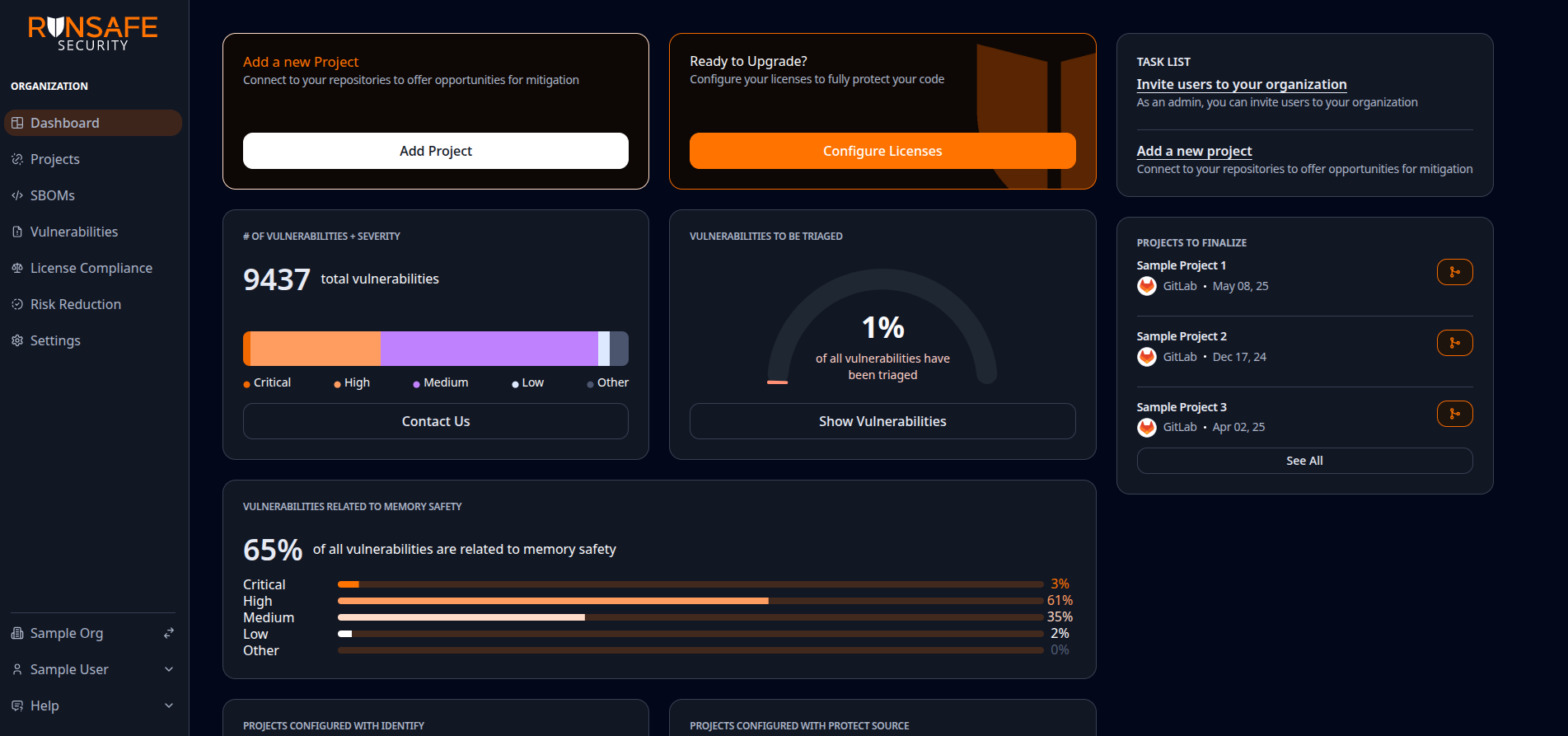
The Dashboard is the starting point for organization-wide status. Layout can vary slightly by release.
Choose an organization-wide view
Use the sidebar when you want a roll-up across projects:
| Task | Applicable View |
|---|---|
| See organization status and shortcuts | Dashboard |
| Connect repositories or open a project | Projects |
| Browse analyzed CI builds | Builds |
| Compare projects with and without Protect | Protect |
| View SBOM reports | SBOMs |
| See which components are in your software | Components |
| Triage vulnerabilities | Vulnerabilities |
| See license findings and policy posture | License compliance |
| Analyze known and unknown risk in your software | Risk reduction |
| Change members, policies, SSO, or integrations | Settings |
View Project Details
- Select Projects.
- Open the project by selecting the eye icon on the right side of the Projects table.
For SCM-backed projects, project SBOMs, Vulnerabilities, and License compliance summarize the latest complete Build on the project's default branch. Open Builds for history and per-build reports. Generic projects use the latest uploaded SBOM instead of Builds.
Change organization settings
Organization settings live under Settings in the sidebar (Users, License Key, License Compliance, Vulnerability Compliance, Vulnerability Alerts, SSO, Integrations, Advanced).
Some settings are admin-only. If a control is missing, ask an organization admin.