Connect SCM
For GitLab and GitHub, source control and CI setup usually happen together: connect the repository, then finish the provider's pipeline integration so SBOMs generate when the project builds.
Open Settings → Integrations when you need to connect a code repository or change default remediation behavior. Open Projects when you want to link repositories to the organization.
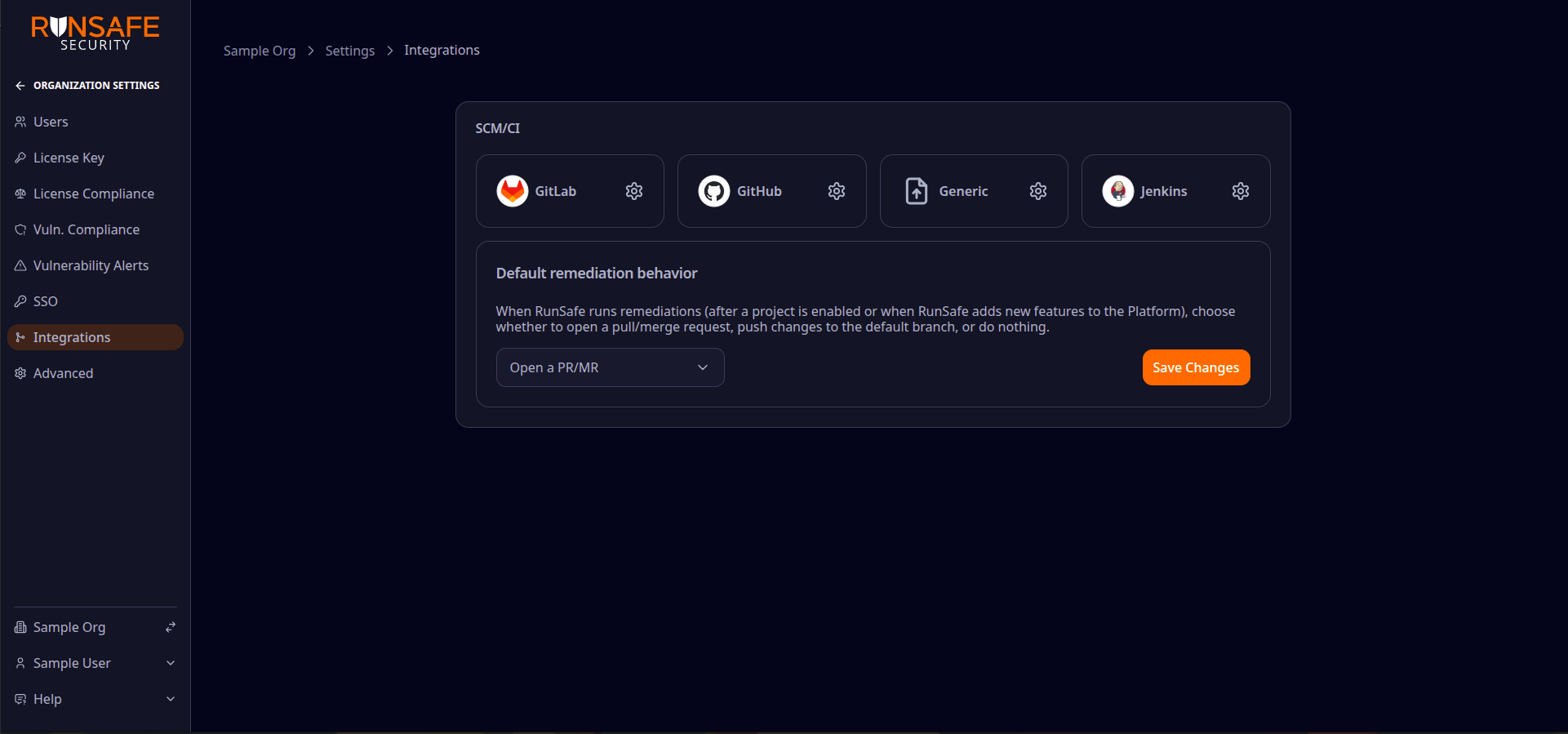
GitLab, GitHub, Generic, and Jenkins appear under SCM/CI. Provider-specific setup opens from each tile.
Connect GitLab or GitHub
| Task | When to use it |
|---|---|
| Connect GitLab | Your code is on GitLab.com or self-managed GitLab. |
| Connect GitHub | Your code is on GitHub.com. |
| Connect GitHub Enterprise | Your code is on a self-hosted GitHub instance. |
Each guide covers repository access and that provider's native CI (GitLab CI or GitHub Actions).
When SCM and CI differ
Most teams use the same provider for both—for example GitHub with GitHub Actions, or GitLab with GitLab CI. When a connected GitHub or GitLab repository builds somewhere else, finish SCM setup first, then build with Jenkins.
On Project → Settings → Integrations, Last detected shows when the Platform classified CI from files on the default branch. Last contact shows when the Platform last received a pipeline from that CI provider. Use Refresh CI detection after you add or change CI files.
Connect non-default CI
| Task | When to use it |
|---|---|
| Build with Jenkins | A connected GitHub or GitLab repo builds on Jenkins instead of GitLab CI or GitHub Actions. |
Jenkins is CI-only. The Platform still needs a GitHub or GitLab project for repository access.
Connect without CI
| Task | When to use it |
|---|---|
| Connect without CI | You track software with Generic projects and manual SBOM uploads instead of a connected repository. |