Fail builds on vulnerability thresholds
Set vulnerability thresholds when you want pipeline checks to fail if a project has critical, high, or known-exploited findings. These thresholds can be set at the organization level and also overridden per-project.
To notify people by email instead of failing a check, use Get email alerts for new vulnerabilities.
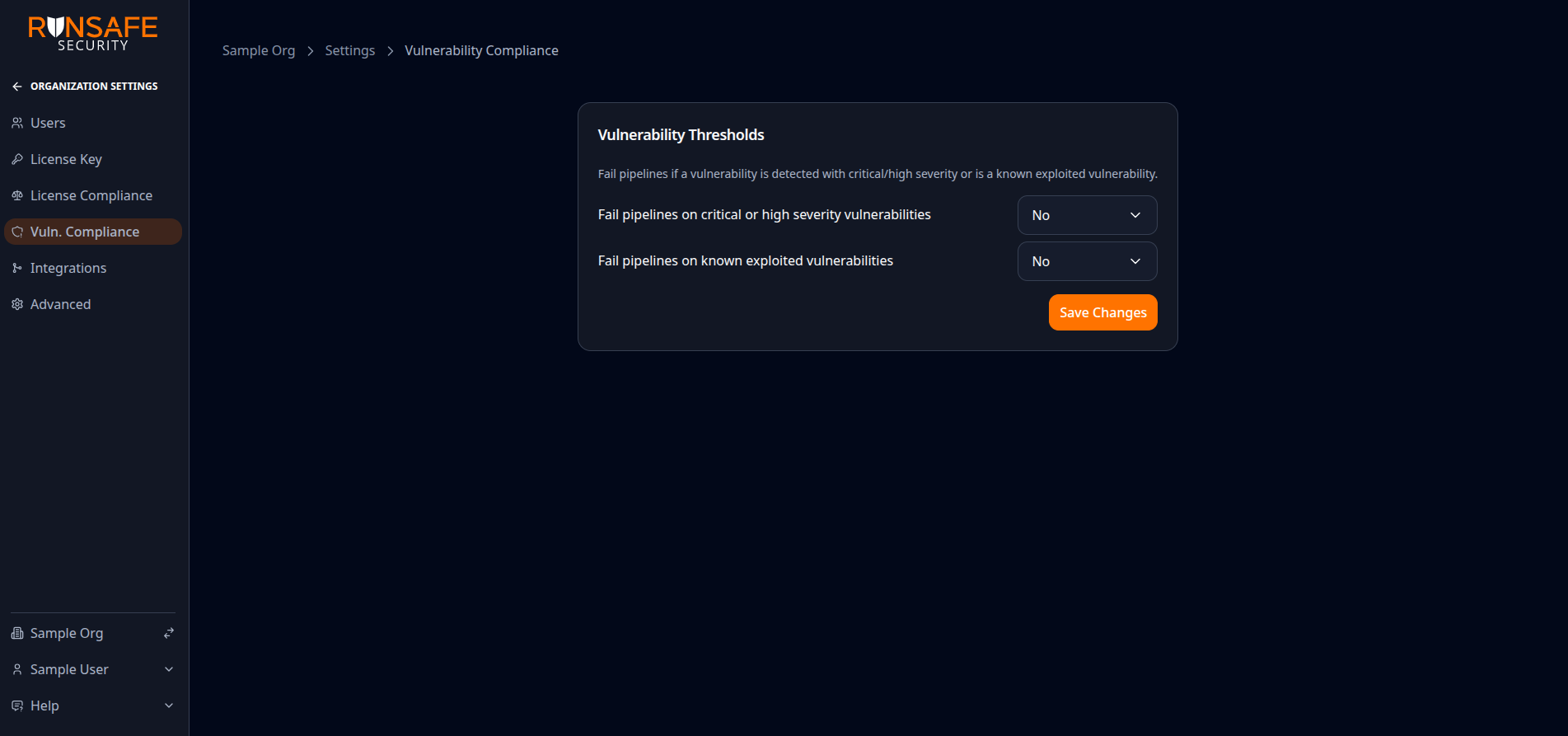
Adjust Vulnerability thresholds (for example fail on critical/high or known exploited vulnerabilities), then Save Changes. Labels match the current product UI.
Set the organization default
- Open Settings → Vulnerability Compliance.
- Choose whether pipelines should fail on critical or high severity vulnerabilities and on known-exploited vulnerabilities.
- Select Save Changes.
These settings apply to every project that still uses the organization thresholds. GitHub reports the result as the RunSafe Vulnerability Compliance Check. See RunSafe GitHub Check Runs.
Use different thresholds per project
Organization admins can override the default:
- Open the project and select Settings → Vuln. Compliance.
- Turn off Use organization vulnerability thresholds.
- Choose whether pipelines should fail on critical or high severity vulnerabilities and known-exploited vulnerabilities.
- Select Save Changes.
While the override is active, later organization changes do not affect that project. Turn Use organization vulnerability thresholds back on to follow the current organization settings again. The project-specific values are kept if you later reactivate the override.
Users who are not organization admins can view the effective thresholds but cannot change them.
How triage affects the check
Vulnerability compliance checks count findings that are not triaged, marked Exploitable, or still In triage. Findings triaged as Resolved, Not affected, or False positive do not count toward the critical/high or known-exploited thresholds.
See Find and triage vulnerabilities.